

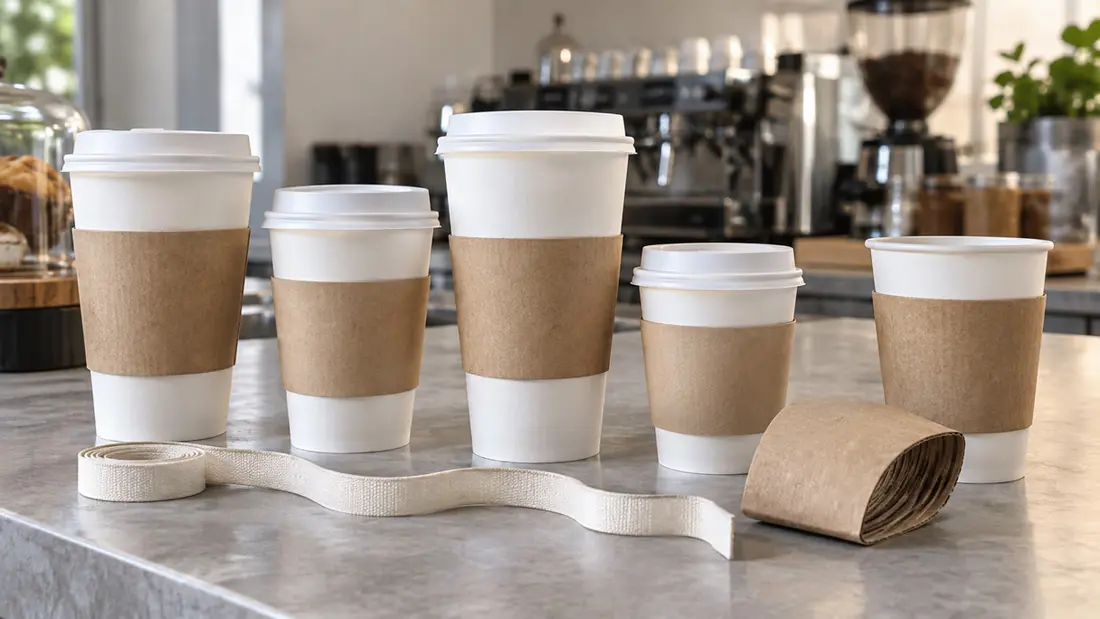
To work out how to choose coffee sleeve size, start with your exact cup model and the position where you want the sleeve to sit. Compare the cup’s outside measurements with the sleeve’s assembled openings and height. Then test a physical sample. An ounce label tells you capacity, but it won’t tell you whether the sleeve fits.
AI-generated illustration; no physical cup-and-sleeve fit test is shown.
Decide how to choose coffee sleeve size for your cup
Record the cup manufacturer, product code and capacity from the packaging. Keep an actual cup beside that record. Repeat this for every model you serve, because two suppliers’ cups can hold the same volume while differing in height, width and taper.
Angels Print’s coffee sleeves start at $172.88, with a default run of 100 pieces. Use a stated capacity range to narrow your options. Before ordering, compare finished dimensions and check where a sample settles on your cup.
Measure both edges of the grip band
Request the cup model’s dimension sheet. Overall height and outside diameters at the top and bottom give you reference measurements, but check what the top diameter includes. The rolled rim isn’t the cup wall where the sleeve’s upper edge will sit.
Choose the grip band first. Measure the outside circumference at its proposed upper and lower edges using a flexible measuring tape or narrow paper strip. Keep the tape level without squeezing the wall, and record each edge’s height above the base so you can repeat the check.
Compare both measurements. Their difference shows how much the cup narrows across the sleeve’s height. Matching only the upper opening can leave the bottom loose; matching only the lower opening can make the top tight.
Use one unit throughout your record. Label your own measurements separately from the manufacturer’s specifications, and resolve differences with the supplier before approval. Don’t turn an approximate measurement into a claimed product specification.
Compare assembled sleeve dimensions
Ask for the finished sleeve height and internal dimensions of both assembled openings. Confirm how each was measured. Diameter, internal circumference and flattened width describe different measurements, so you can’t compare their numbers directly.
A flat artwork template doesn’t establish fit. Its outer dimensions can include seam material, while folds and material thickness affect the assembled sleeve. Use verified finished dimensions to compare sizes, then confirm the match with a physical sample.
The catalogue capacity range does not give the assembled sleeve openings or the exact dimensions of your cup model. Request current dimensions for the selected options and record both product identities; a capacity label alone does not establish compatibility.
Set the grip position before artwork
The sleeve should settle over the area people naturally hold, leaving the rim and lid accessible. Don’t force it upward. A sleeve sitting too low can expose the grip area, while one sitting too high can crowd the cup’s upper section.
Check the full sleeve height. A taller sleeve spans more taper, and moving it upward places it on a wider section of a typical tapered cup. Both openings must match the wall at their respective positions.
Approve that position before finalizing the artwork. A logo centered on the flat template can look different once wrapped around a cup. Use the template for the tested sleeve, keep artwork clear of seams and folds, and follow its bleed and safe-area instructions. Custom design services are available for layout help.
Confirm materials and finishes with the sample
Request a sample in the size, material and construction you plan to order. Thickness affects assembled fit. A paper mockup can help you judge artwork placement, but it cannot establish how the production sleeve’s folds and seam will behave.
The coffee-sleeve configurator lists 16PT Coated Outside, Uncoated Inside and 130# Uncoated Cover. Outside-only printing is available, with optional embossed texture and foil choices. Confirm that the sample represents your selected material and finishing before approving the order.
Test under your serving conditions
Start with an empty cup on a stable surface. Slide the prepared sleeve onto the cup as intended and observe where it stops. Check for level placement and close contact around the grip area; investigate buckling, gaps or cup distortion. Needing a hard push is a reason to recheck the fit.
Next, assess the combination under your café’s normal serving conditions, using the intended lid and safe handling practices. Check for shifting during ordinary handling and a comfortable grip. Never use the sleeve as a handle. A successful dry fit doesn’t prove adequate heat protection.
Test every intended cup model and record the matching sleeve, its position and your approval decision. Keep an approved physical reference. A later cup substitution or change to the sleeve should trigger another fit check.
Compare quantities and cost drivers
If your current cups work well, use their verified dimensions as the starting constraint. One sleeve may fit several models, but test each combination before choosing a shared size to simplify purchasing.
If you’re sourcing cups too, Angels Print’s custom paper cups start at $96.25, with a default run of 50 pieces. Confirm the dimensions and test cup and sleeve together. Buying both from one catalogue doesn’t establish compatibility.
Starting prices aren’t final quotes. Request pricing for your chosen quantity and approved sleeve specification, then ask how a material or finish change would affect cost. Compare quotes against the tested construction so a price difference doesn’t hide a specification change.
Use How to Choose a Print Shop in Panorama City, CA for broader supplier questions. For your sleeve order, have the supplier confirm the exact cup model and the sample-verified sleeve specification against the quote.
Catch mistakes before placing the order
Compare the order with your fit record. It should identify the tested sleeve size and construction, with cup measurements in clearly labeled units. Confirm that the approved position leaves the rim and lid accessible without forcing or distorting the cup.
Check the artwork against that sleeve’s template, including seam clearance. A correct layout cannot fix a poor fit, and an approved sample cannot prevent an ordering error. Keep the physical reference with your records and check that the ordered specification matches it.
Once fit is confirmed, order your coffee sleeves online. For help identifying an option before ordering, bring your existing cups and product specifications to Angels Print at 8511 Lankershim Blvd, Sun Valley, CA.
Frequently asked questions
How do I know what size coffee sleeve to buy?
Compare your exact cup’s outside measurements at the intended grip position with the sleeve’s assembled openings and height. Confirm the supplier’s measuring method, then test a representative physical sample before ordering.
Do coffee sleeves fit all cups with the same ounce capacity?
No. Cups holding the same volume can differ in height, width and taper. Check each cup model separately, even if its ounce label matches a cup you’ve already tested.
Why does my coffee sleeve slide down the cup?
It may be too large at the intended position, or its taper may not match the cup. Compare both openings with the cup’s outside dimensions. Forcing the sleeve into another position doesn’t confirm proper fit.
Can one coffee sleeve size fit several cup sizes?
Yes, if their outside dimensions are compatible where the sleeve sits. Placement may differ between cups. Test every intended model and approve its grip position and stability before choosing a shared sleeve.