

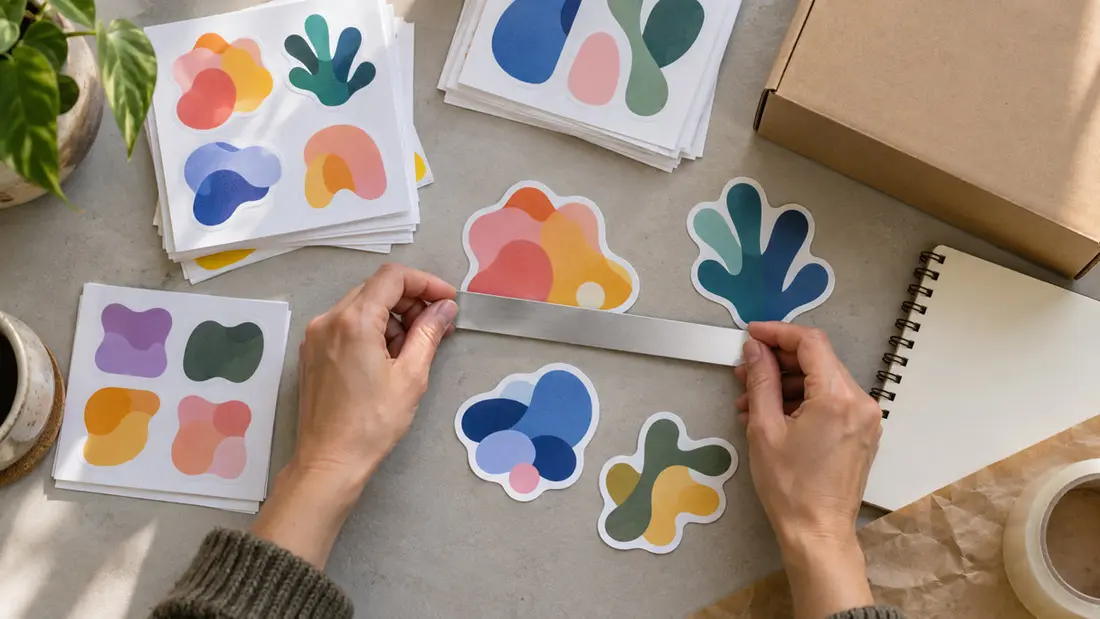
There is no single standard sticker size for every logo, but 2–3 inches across is a practical starting point for branded giveaways. Start with the available space. For packaging, your sticker needs to fit the usable panel while keeping the name readable. A paper mockup at actual size lets you check both before ordering.
Which standard sticker size should you try first?
Compare your logo at 2 and 3 inches across. A simple symbol or short name may work at the smaller size, while a detailed emblem needs more room. Try 4 inches if the intended surface can accommodate a larger graphic. Let the artwork guide you.
Shape changes the fit. A 3-inch-wide wordmark may be shallow, while a circle with a 3-inch diameter takes up much more vertical space. Record width × height for each option and mark a circle's diameter explicitly. Width alone won't describe an unusual outline.
The individual sticker options include 2 × 2, 3 × 3 and 4 × 4 inches for compatible shapes, plus rectangular selections and custom sizing. Check the shape first. Available size selections depend on it, and a preset still needs to suit your artwork and placement.
How do you choose a sticker size for packaging?
Measure the actual application area. A jar lid offers different space from a box lid, and neither tells you what will fit a bag front. Leave room around the finished outline so a slight placement difference won't push the sticker over an edge.
Check the package when filled. A flat bag changes shape in use, and a sticker that fits an open box may interfere with a fold once it closes. Avoid seams and troublesome curves. If one design must fit several packages, measure each instead of working from the largest panel.
For giveaways, picture the likely destination, such as a laptop lid or notebook cover. Decide how much space you want the graphic to occupy, then use the sticker and label printing options to compare formats for that placement.
Will your logo stay readable at a standard sticker size?
Read the smallest required lettering. A broad border or surrounding illustration leaves less room for the name, so two stickers with identical finished dimensions can read very differently. Print the complete design and view it at a natural distance.
Does the tagline disappear? Enlarge the sticker or simplify the artwork if the name reads clearly but the tagline becomes a gray line. Remove optional wording only if your brand allows it. An approved standalone symbol may work better in a small space than the full logo lockup.
Inspect thin strokes and tight gaps, especially around small reversed letters. There's no universal minimum font size. A vector file keeps edges clean during resizing, but physically tiny lettering remains tiny. Consider custom design help if the logo needs adapting.
Does the sticker size include its backing?
Die-cut stickers are cut through both the sticker material and backing around the chosen outline. Measure the widest and tallest points of the finished shape, including any intentional border. Irregular shapes need both measurements too.
Kiss-cut stickers have a cut through the sticker layer while the backing stays intact. The peel-off shape can sit on a larger backing piece. Record both sets of dimensions. One determines the applied fit; the other determines packing and distribution space.
For example, a proposed 2-inch round sticker on a proposed 3-inch square backing needs room for that full square before peeling. Applied, it's 2 inches across. This illustrates the distinction rather than a catalog configuration. Confirm what the selected product's size fields measure.
How can you test sticker dimensions before ordering?
Create proportional copies of your logo at widths of 2, 2.5 and 3 inches in a document that accepts physical dimensions. Draw each proposed finished cut outline with its visible border, then label the dimensions outside it. Draw any kiss-cut backing separately.
Add a 1-inch reference square and export a PDF. Print at Actual Size or 100%, with Fit to Page disabled. Now measure the square. If it isn't 1 inch on each side, correct the settings before comparing samples. Screen zoom isn't a reliable size check.
Cut out the shapes and position them on the intended surface, using removable tape if appropriate. Check readability and edge clearance. Close the box or fill the bag as it will be used, so you're assessing the fit under realistic conditions.
Paper tests establish scale and placement, but they don't establish adhesive performance or final print color. Material flexibility needs checking separately. On a curved surface, treat the mockup as an initial fit check and confirm material suitability before ordering.
Which materials and finishes should you compare?
Choose the product before the finish. Individual stickers offer 60# Uncoated Paper, 58# Gloss Paper, White Matte Vinyl and Clear Gloss Vinyl. Kiss-cut options also include Clear Matte Vinyl, Holographic Vinyl and Silver Vinyl. Die-cut stickers include Holographic Bopp among their material choices.
Finish availability depends on the material. Options across these products include uncoated surfaces, UV high-gloss coating and selected laminations. Don't assume every combination is available. Confirm the material and finish offered for your chosen product, along with suitability for the intended surface.
What artwork details should you check at the chosen size?
Bleed and borders are different. Bleed extends printed artwork beyond the cut line; a visible border sits inside it. Follow the selected product's bleed and safe-area requirements without adding them to your intended applied sticker dimensions. Ask before preparing the file if a requirement isn't listed.
Check accepted file types beside the artwork upload and assess image resolution at final size. Uploading alone doesn't confirm production readiness. The guide to preparing sticker artwork for printing can help you review the approved logo version and layout before ordering.
How do quantity and configuration affect your order?
For packaging, calculate quantity from the number of packages and stickers used on each. For giveaways, allow for planned distribution and any samples or application trials. These products list quantities from 50 to 5000 in specified increments. Check the available selection.
Compare the chosen size and cut shape alongside material, finish and quantity when reviewing cost. The guide to what affects custom sticker printing cost explains those configuration decisions. Checkout shows the final price for your selection.
Keep a measurement sheet using one unit throughout. Record usable surface dimensions, folds or seams to avoid, and chosen sticker width × height, with backing dimensions separately where needed. Note which paper sample stayed readable. Check each logo version independently.
Review everything before payment. A digital proof is available on request, and manufacturing starts immediately after payment. Compare the order fields with your measurement sheet and paper sample, paying particular attention to finished sticker dimensions versus backing dimensions.
Order through Angels Print's sticker printing service, or visit 8511 Lankershim Blvd, Sun Valley, CA. Bring your logo and measurement sheet, plus a sample package if you have one, to discuss size and fit before ordering.
Frequently asked questions
What is a standard sticker size for a logo?
For branded giveaways, 2–3 inches across is a practical starting point. There's no single universal standard. For packaging, choose dimensions that fit the usable panel and keep required lettering readable.
Is a 2-inch standard sticker size big enough?
A 2-inch sticker can suit a simple symbol or short wordmark. Test the complete design first. A detailed emblem or small tagline may need a larger size or simplified artwork, especially once you include the border.
Does standard sticker size refer to width or diameter?
Specify width × height for rectangular or irregular shapes. For circles, state the diameter. Width alone doesn't fully describe the space an elongated or irregular logo occupies.
Does a standard sticker size include the backing?
Confirm what the selected product's size fields measure. A kiss-cut sticker can have a backing larger than its peel-off shape. Record both sets of dimensions. Use the peel-off dimensions to check the applied fit.