

October 13, 2026
Updated
Business Card Size in Inches: Trim and Bleed Guide
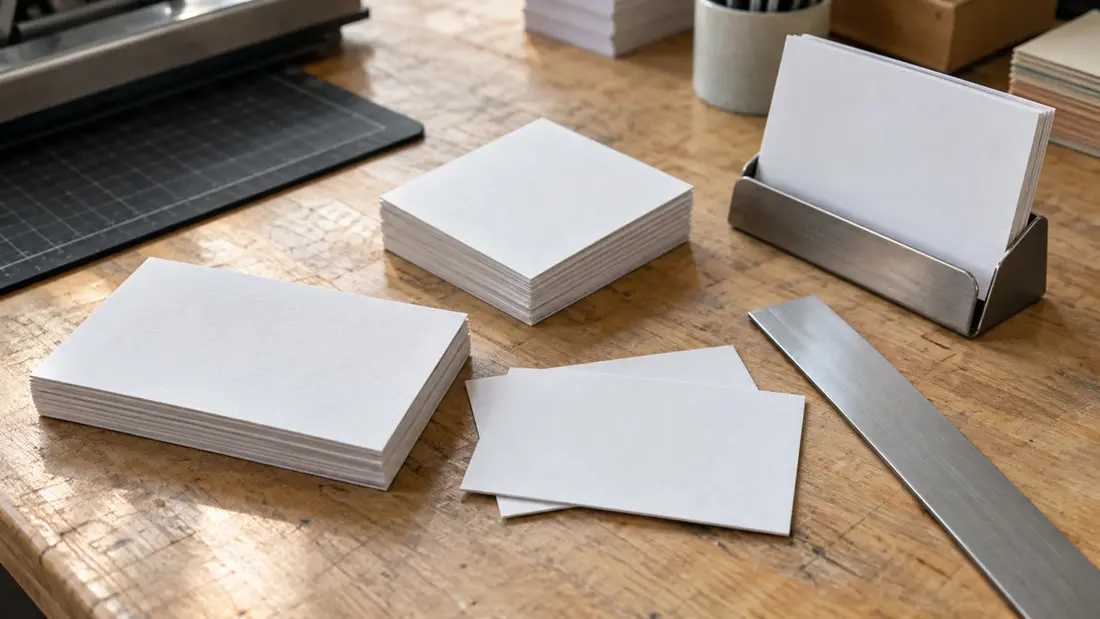
The standard U.S. business card size is 3.5 × 2 inches, or 88.9 × 50.8 millimeters. That's the finished size after cutting. Your artwork may need extra space for bleed beyond those edges. Square business cards have different dimensions, including the 2 × 2-inch option at Angels Print.
What is the standard business card size in inches?
A standard horizontal business card measures 3.5 inches wide and 2 inches tall. Turn it upright for a vertical layout: 2 inches wide and 3.5 inches tall. The physical size stays the same. What changes is the room available for each line of text.
Start with the finished dimensions. They tell you how much space the card takes up in your hand or holder. Artwork dimensions describe the file you submit, which can include background extending beyond the intended cut.
Angels Print's Classic Business Cards include the familiar 3.5 × 2-inch rectangle and an alternate 3.35 × 2.16-inch rectangle. Check size and shape together. The product also lists a 2 × 2-inch option for square and circle selections.
What other business card sizes can I order?
The Square Business Cards options include 2 × 2, 2.5 × 2.5 and 3 × 3 inches. Both Classic and Square list Custom Size, with width and height limits of 1.5 to 4 inches. Confirm your combination in the configurator.
Need the measurements in millimeters? A 2 × 2-inch square measures 50.8 × 50.8 millimeters. The 2.5 × 2.5-inch version measures 63.5 × 63.5 millimeters, while a 3 × 3-inch square measures 76.2 × 76.2 millimeters. The alternate 3.35 × 2.16-inch rectangle converts to 85.09 × 54.864 millimeters.
These are finished dimensions only. One inch equals exactly 25.4 millimeters; converting units doesn't add bleed or establish a safe area. Record those file setup measurements separately.
How big should my business card be for my layout?
Choose a format around your contact information. A 3.5-inch-wide rectangle gives a long email address or job title more horizontal room than a 2-inch square. With a centered logo and shorter contact lines, a square can work well.
Don't just shrink the design. Moving from a rectangle to a square calls for rearranging the content, since smaller text can make a card difficult to read. Both products offer Front Only or Front and Back printing. A second face can relieve crowding.
Print a paper mockup at actual size, then read the smallest text without zooming in. Measure your holder too. A 2.5-inch square is taller than the standard 2-inch-high rectangle, and a 3-inch square needs more space again. Choose a larger face only if it suits how you'll carry and distribute the cards.
What do trim, bleed and safe area mean?
Trim is the intended cut boundary. A card ordered at 3.5 × 2 inches has those finished dimensions. Slight cutting variation is normal. Allow for it by following the selected product's requirements for backgrounds outside the cut and content inside it.
Bleed is background artwork extending beyond the trim boundary. If a photograph or color reaches the finished edge, extend it through the required bleed area. This helps prevent an unintended white strip if the cut shifts slightly.
Safe area is the region inside the trim boundary where important content belongs. Keep contact details and important logo details within the specified safe boundary. Work from the outside inward: artwork edge, trim boundary, then safe content area.
Check rounded corners separately. Both products list 1/8-inch and 1/4-inch round-corner options, but those measurements don't establish the safe-area inset. Keep important content clear of the corners and follow the requirements for your configuration.
What artwork size should I use with bleed?
Check the artwork requirements first. A 3.5 × 2-inch trim size alone doesn't tell you the full canvas dimensions. The supplied product information gives no numeric bleed or safe-area allowances. Confirm those measurements with Angels Print before preparing your file, and ask whether a matching template is available.
Once you know the allowances, calculate the canvas size. For equal bleed on every edge, add twice the bleed measurement to the finished width and twice to the finished height. An equal safe inset works in reverse: subtract twice the inset from each finished dimension to find the protected content area.
Use the file types listed beside the artwork upload, and check image resolution at final print size. A print-ready PDF can be useful for a completed layout. Uploading alone doesn't confirm production readiness. Neither does seeing a preview. For another setup reference, see Business Card Size: Measurements and File Setup.
Will stock or finish change my business card dimensions?
Thickness and face dimensions are separate choices. Both products list 14PT and 16PT coated stocks; Square Business Cards also lists 28PT Coated Both Sides (2 Layers). Thicker stock changes the feel and how many cards fit in a holder. It doesn't define width or height.
Choose finishes for the selected stock. Classic offers glossy, dull matte and UV high-gloss choices on compatible stocks. Square includes matte and soft touch lamination options, plus foil and raised spot UV. Confirm the complete configuration before designing around a particular finish.
How should I compare prices for different card sizes?
Classic Business Cards starts from $1000.00, while Square Business Cards starts from $1000.06. These prices reflect different default runs. They don't compare equal quantities or matching specifications.
Match the quantity first, where available. Then compare the size and stock, along with printed sides and finishing. Don't assume the default quantity is your only choice. Checkout shows the final price for your configuration; the Business Card Printing service is a starting point for discussing your requirements.
What should I check before ordering my business cards?
Confirm the finished dimensions and shape, then check the orientation of your layout. Inspect both faces at actual size. Verify the required bleed and safe boundaries, and read every contact detail carefully. Avoid narrow borders near the cut, where small trim shifts become especially noticeable.
Resolve artwork questions before checkout. A digital proof is available on request, and manufacturing starts immediately after payment. If your layout needs adapting to a new size or shape, Custom Design can help. Scope and timing are confirmed for each project.
Order your business cards online once the finished size and artwork requirements are settled. Need help choosing a format? Call Angels Print at (818) 806-9006 or visit the shop at 8511 Lankershim Blvd, Sun Valley, CA 91352. You can also ask about artwork requirements and template availability before preparing the layout.
Frequently asked questions
What is the standard business card size?
The standard U.S. business card size is 3.5 × 2 inches, or 88.9 × 50.8 millimeters. That's the finished size after cutting. Additional artwork bleed is outside those dimensions.
What is the business card size in inches?
A standard U.S. horizontal card is 3.5 inches wide by 2 inches tall. Turn it upright for a vertical layout measuring 2 inches wide by 3.5 inches tall. The physical size stays the same.
How big is a business card?
A standard U.S. business card measures 3.5 × 2 inches. Square cards at Angels Print come in 2 × 2, 2.5 × 2.5 and 3 × 3 inches. Check your holder before choosing. Test the layout at actual size too.
What size is a business card with bleed?
The finished card size and artwork size are different measurements. For equal bleed on all edges, add twice the specified bleed to each finished dimension. Confirm the allowance before preparing artwork. The supplied product information doesn't specify a numeric bleed requirement.