Skip to content
Angels Print
Search products…

Material guide

Print Materials: Compare Paper, Vinyl, Acrylic & More

Choose by how the piece needs to look, feel and function. Compare opacity, surface finish, rigidity and use, then check the options listed for the exact product you plan to order.

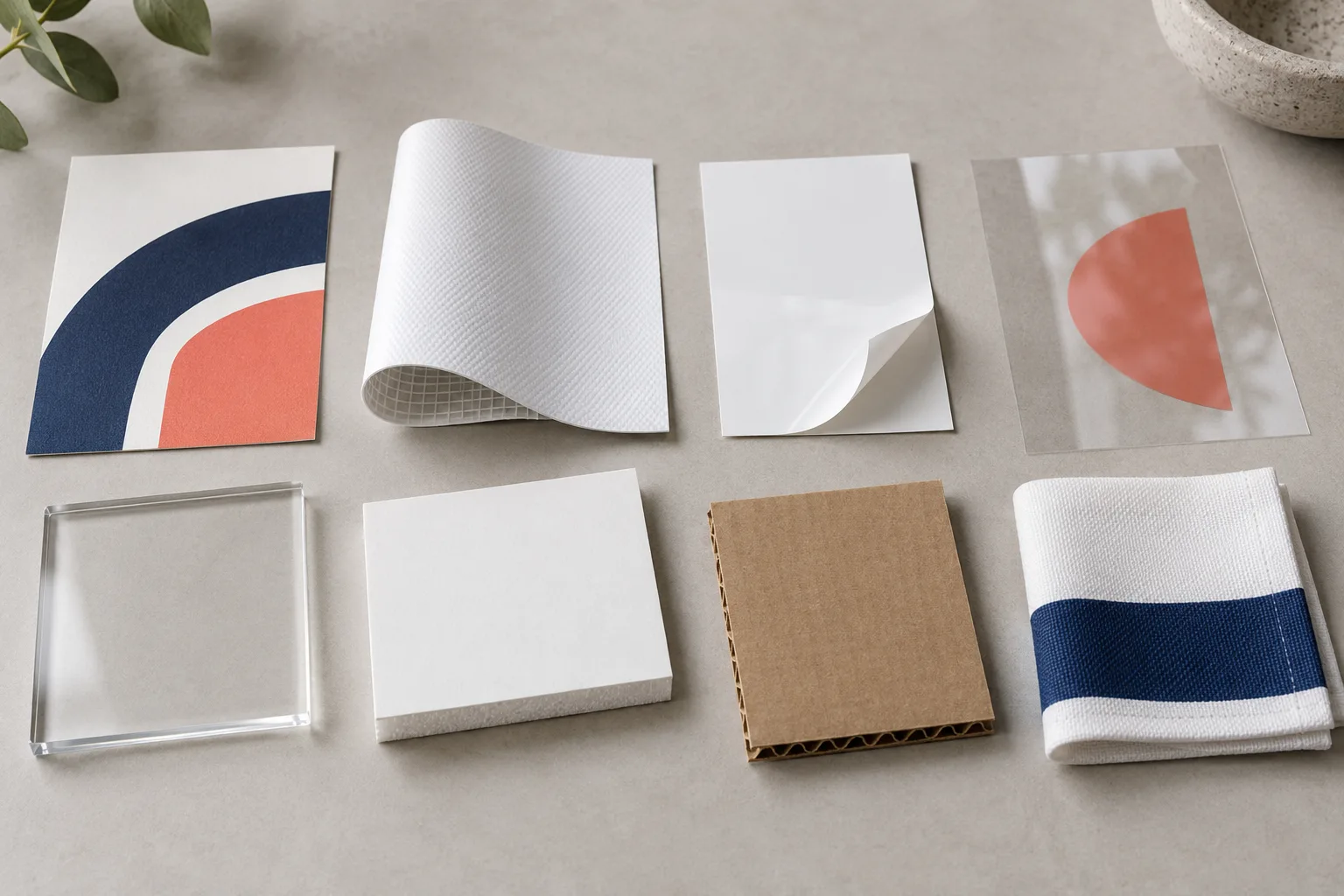
AI illustration of paper, vinyl, acrylic, foam board, packaging board and fabric textures
AI-generated material comparison. Illustrative textures; not a stocked sample kit or a physical test.

Start with the job, then compare the material

Think through four questions before selecting a product: Should the piece be opaque or let light through? Do you want a smooth, matte, coated or textured look? Should it stay flexible or hold a rigid shape? Where will it be used and how will it be displayed? These questions help narrow the catalog; the product page remains the source for available choices.

Paper and cardstock

Business cards and other handouts where paper feel, surface and writable areas shape the experience.

Compare coated and uncoated choices, texture, finish, and whether people may write on the piece. The selected product lists its own stock and finishing options.

Vinyl banners

Large printed messages for events, storefronts and displays that use a flexible banner format.

Review the listed material weight, matte finish, size, and finishing selections such as hems, grommets or pole pockets in the product configurator.

Adhesive vinyl and stickers

Printed graphics supplied as adhesive pieces, from individual shaped stickers to larger adhesive graphics.

Check the specific product's listed material, opacity, finish, cut style and intended surface. Options differ between sticker products and adhesive graphics.

Clear window graphics

Window graphics where transparent areas may be part of the design.

The catalog lists clear gloss and clear matte options with white ink. Decide which artwork areas should print white or remain clear, and confirm the required viewing and adhesive side for the window.

Acrylic signs

Rigid sign formats where a clear or frosted acrylic appearance is part of the presentation.

Compare the acrylic product's available construction, size and display choices with the space and mounting plan. Product configurations define the current options.

Foam board

Lightweight rigid boards for presentations, displays and short-term sign use.

Check listed board thickness, color, print sides, shape and planned support. Confirm exposure conditions and mounting needs for the particular application.

Packaging board

Printed boxes where the structure and the printed panels work together.

Compare corrugated mailer board with folding carton stocks, then confirm the product's box style, print sides and approved dieline. Listed size fields may not specify interior dimensions.

Printed fabric

Printed table covers and fabric graphics where a flexible textile face is wanted.

Check the matching product for its fabric format, display hardware, size and finishing. Fabric products are not interchangeable across display systems.

Manufacturer example

Read paperweight labels

The trade stock label and mass-per-area value identify this named guide example; they do not give a universal conversion for 80# paper.

Same guide row

TXTG80 / #80 Gloss C2S Text

Trade stock label80# text
Mass per area118 g/m²

Code: TXTG80

Weight: 118 GSM

Finish: Glossy

UVG: UVG

This manufacturer reference does not identify the stock supplied for an Angels Print order. A matching stock code and coating description must be confirmed separately.

Read Canon guide (page 6)

Manufacturer example

Read board thickness

A nominal grade, target thickness and stock tolerance describe different things. Compare these two Gilman InSite sheet grades.

Abstract board sections; not to scale.

Nominal grade

3/16 in

Target thickness
0.195 in
Stock thickness tolerance
±0.015 in

Nominal grade

1/2 in

Target thickness
0.500 in
Stock thickness tolerance
±0.030 in

These InSite specifications describe raw sheet stock. They do not identify the board supplied for an Angels Print order or promise finished-sign trim accuracy.

Read InSite specifications

Compare physical samples

Review our selected supplier reference set for paper and large-format materials. Request confirmed contents, price and delivery before ordering.

Review the material sample set

Material guide questions

How should I compare print materials?

Start with the job: where the piece will be used, whether it must be rigid or flexible, what should show through, the desired surface finish, and how it will be displayed. Then compare the available choices on the matching product page.

Can I see or order a physical material sample kit?

Review the supplier reference sample set and request a quote on our Material Samples page. Current contents, price, availability and delivery must be confirmed before payment; this comparison guide does not represent stocked Angels Print samples.

Are material choices and performance the same for every product?

No. Options are product-specific. Check the selected product configurator for current materials, sizes, finishes and other available selections; this guide does not establish universal performance or lifespan.

What if I am unsure which product fits my project?

Review the linked catalog options and contact Angels Print with the intended use, location, size and display plan so the project can be discussed.

Have a project in mind?

Share what you are making, where it will be used and how it should be displayed.

Discuss your project